


Merle Randlepp
Agile Coach
Merle Randlepp
Agile Coach
Where to use a virtual whiteboard?
If you organize virtual meetings with your team and occasionally need to hold joint brainstorming sessions, participatory workshops, retrospectives, etc., then there are excellent whiteboard software to replace the physical whiteboard space.
Today, almost half a year after the emergency situation was declared in Estonia due to Covid-19, it is a great pleasure to see how big the general leap in the use of virtual team tools has been. Shared tools, environments, and video meetings are the new commonplace, and skills are growing.
Over the past 5 years, I have used several different shared whiteboard software when working with remote teams, and I will highlight a few that I dare to recommend.
Google Jamboard
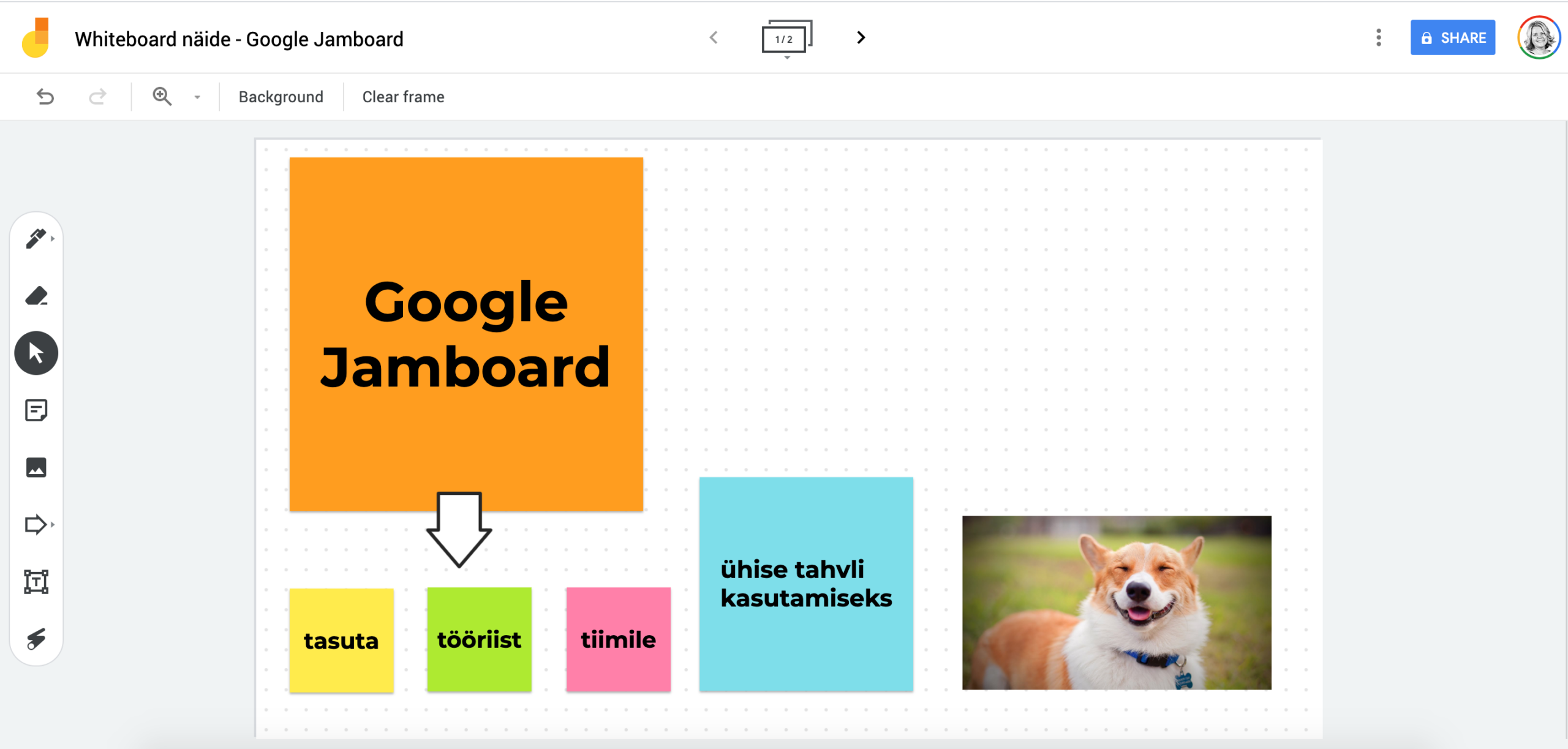
I’ll start with the simplest, but completely free option – Google Jamboard. Not much is known about this software, as it is designed to be used with a large physical touch board, which costs $4999 ($600 for schools). But Jamboard is also completely usable separately and without any restrictions, all you need is to log in with your Google account.
A jamboard is super simple, convenient, with minimal options and very often it is enough 🙂
Miro
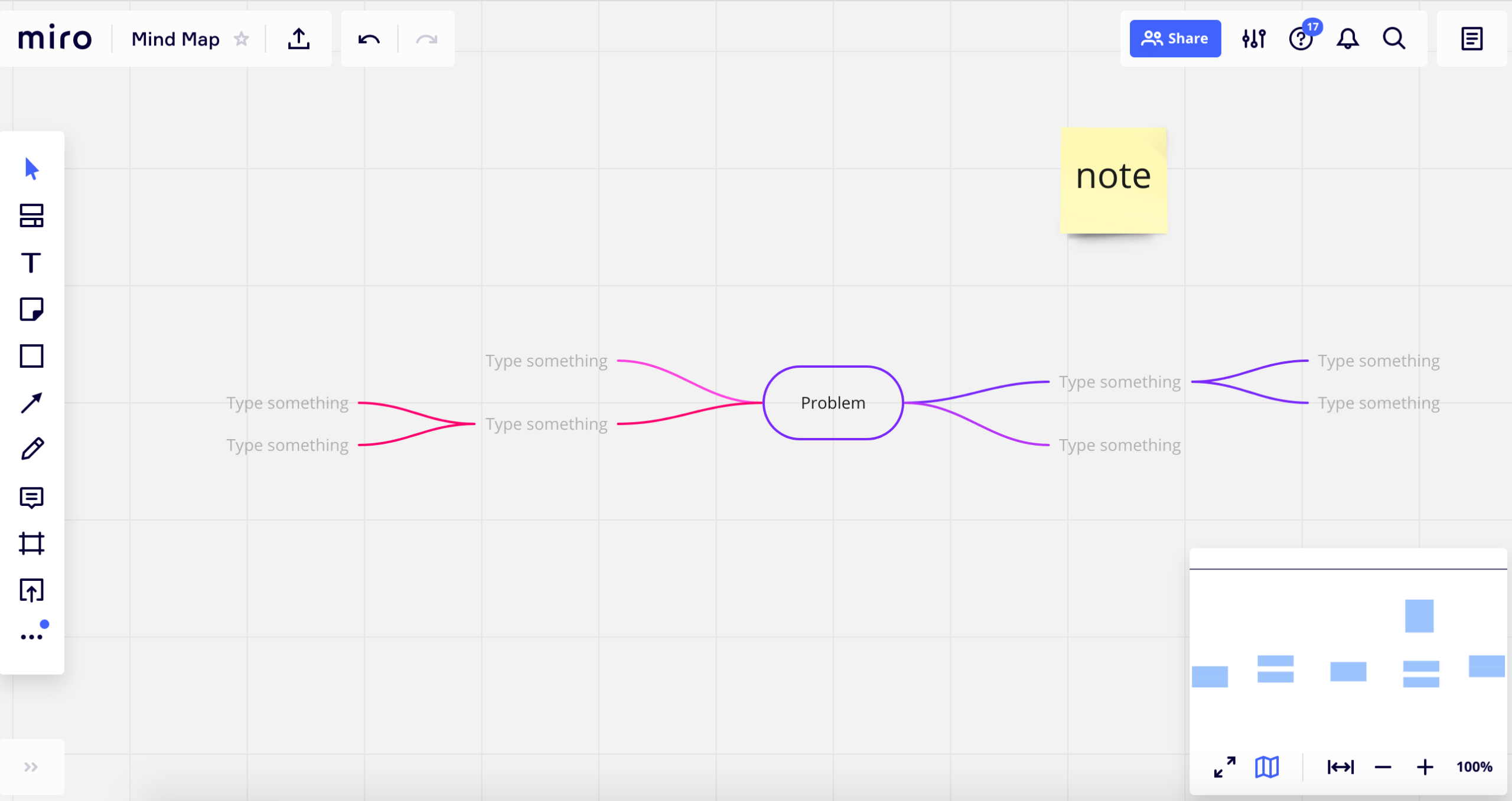
Miro is very popular in the world, and rightly so. Extremely convenient, intuitive user interface and wide options, it can be used for brainstorming, mind map drawings, product or project roadmap drawings, agile development retrospectives, etc. I use Miro in my work almost daily and highly recommend it! Everything you do will remain very beautiful and professional.
But no good thing is free, and the free version of Miro has limitations on it. You can invite as many team members as you want, but there can only be 3 active boards. At the same time, when the restriction is passed, the old boards will not be deleted, but will remain legible. If you don’t have too many boards running at once, you can do with the free version.
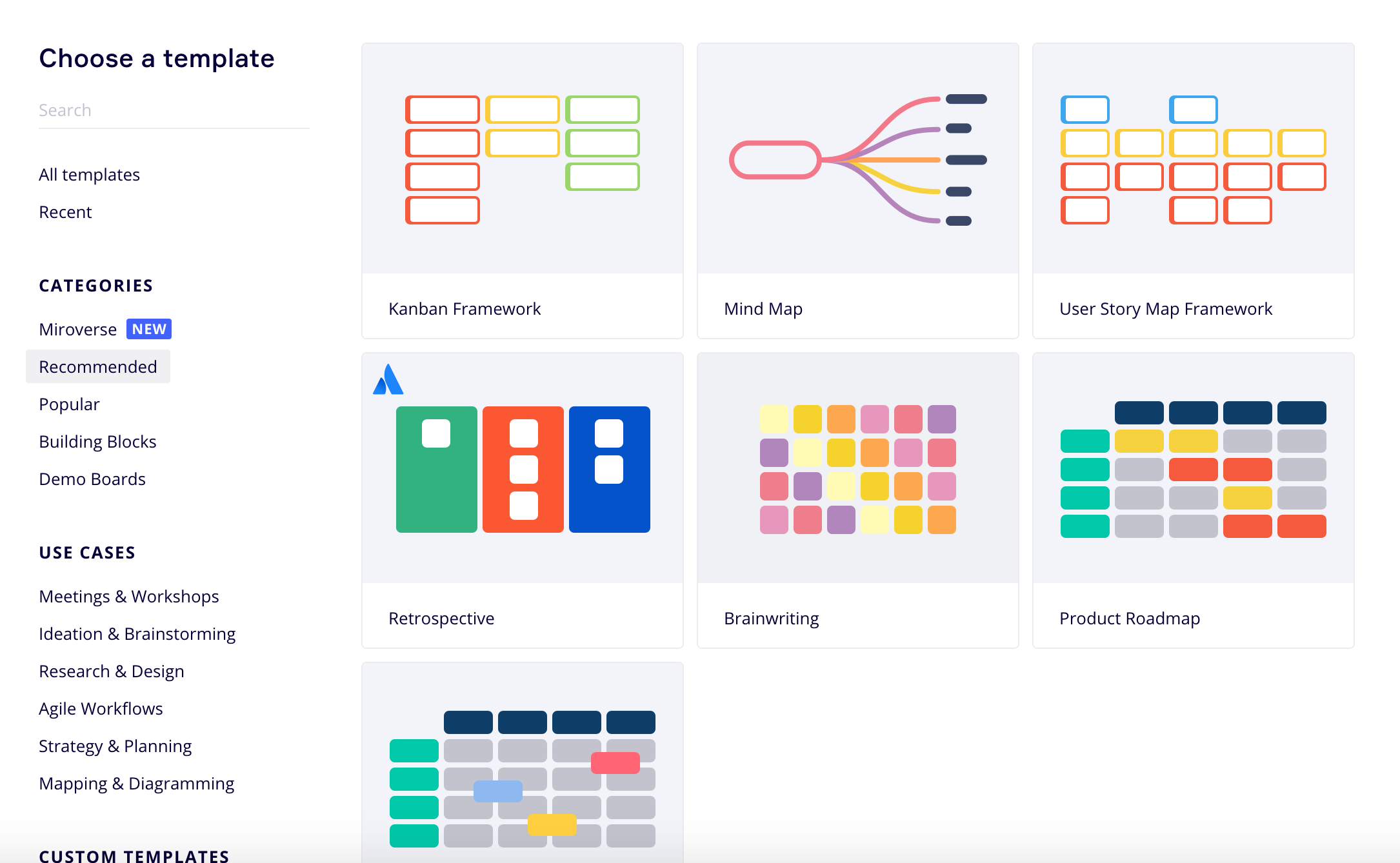
By the way, there is even a small semi-automatic Kanban Framework built into Miro, I don’t recommend it directly, but who knows, it might suit you.
Other options
Between these two softwares, there is a myriad of options, most of which have a free version and a special offer for educational institutions.
You can find them online by searching for “online whiteboard” or see the list in this story: https://zapier.com/blog/best-online-whiteboard/
Happy experimenting!
Edit: I left out several well-known whiteboard tools that didn’t have a free version, e.g. Mural, etc.
Related topics

IT Manager Metrics: Framework + Lead Time vs Cycle Time (1/3)
A clear framework for measuring the IT team and core speed metrics from a single page: what is the difference between Lead Time and Cycle Time, how to set a start-end rule, and when to use each.
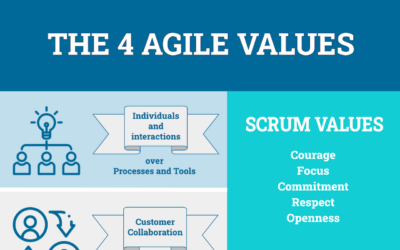
Agility posters
Posters are very useful tools for conveying the message and there is great power in visualisation. Before the corona time, I used them on the walls of meeting rooms, but now in the virtual Zoom era, I used them in the Miro environment. Here you will find some of my agile posters and some favorites from other authors. Everything is meant to be used freely!

Jira and 8 other free project management software
This time I will talk more about project management software for agile development – I have selected 9 software that are popular in the world and also have a free version, some poorer, some more generous:


Every new contact is an opportunity for new and exciting collaboration - write or call me, and let's discuss how I can help you.
The first consultation and proposal are always free.